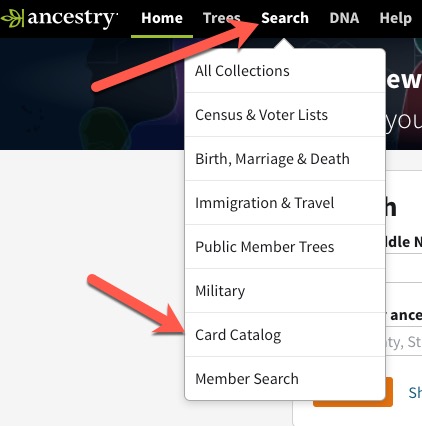
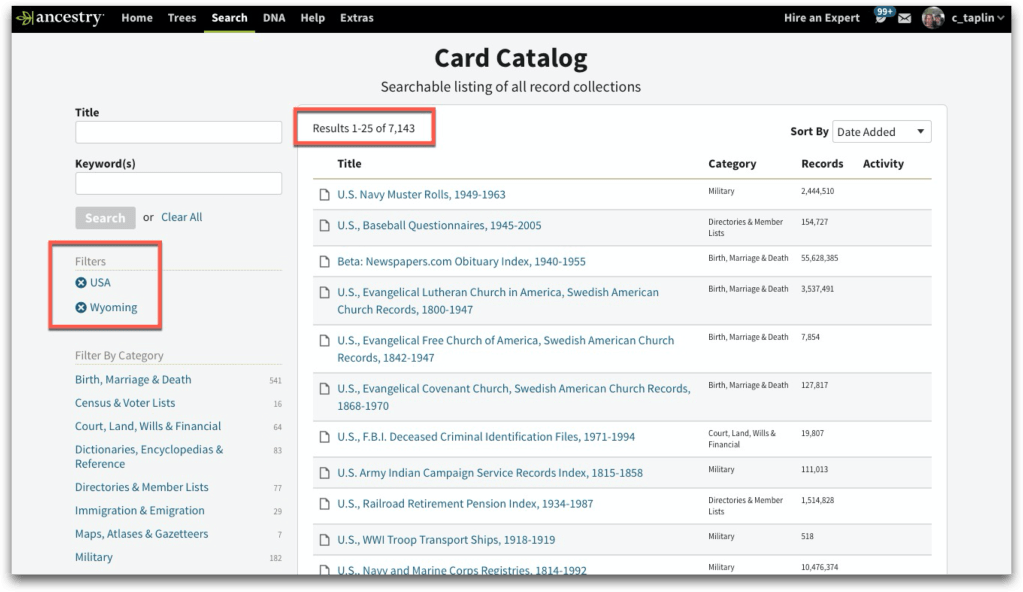
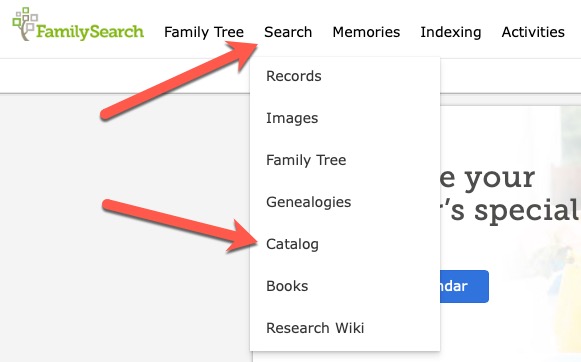
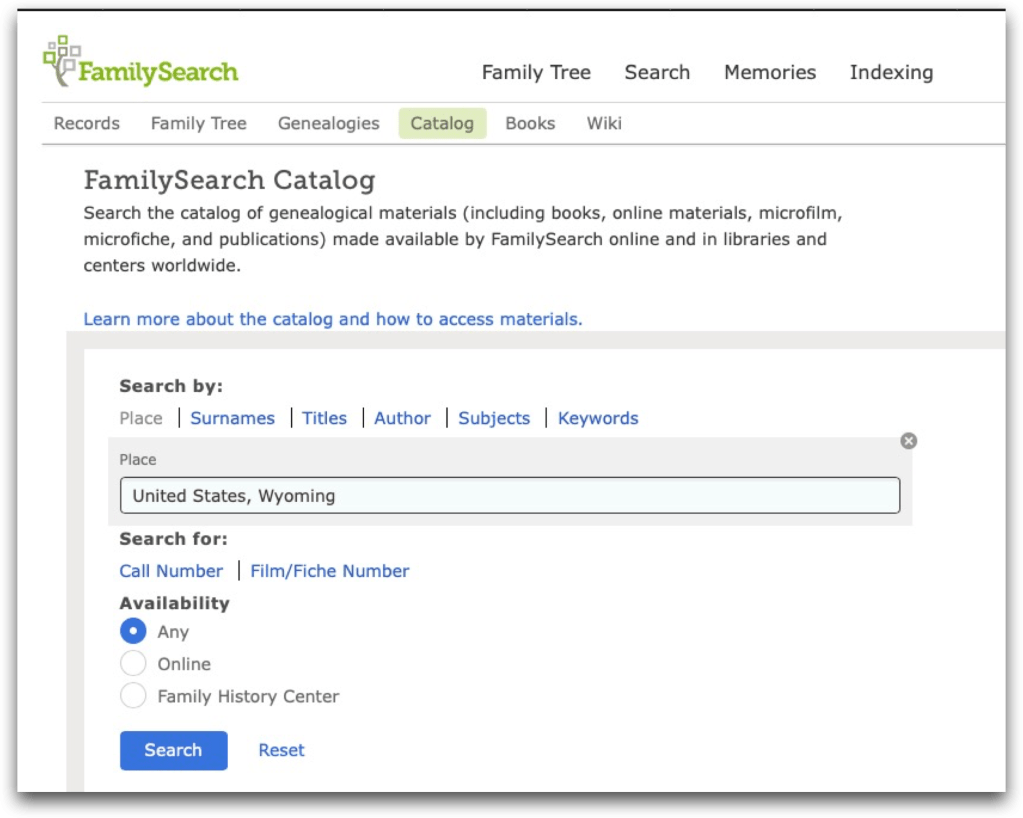
Some sites may not call it a “catalog,” but nearly all genealogy sites have a way for you to search their holdings, whether or not they are a subscription site.
Findmypast, for example calls the catalog “All record sets”:
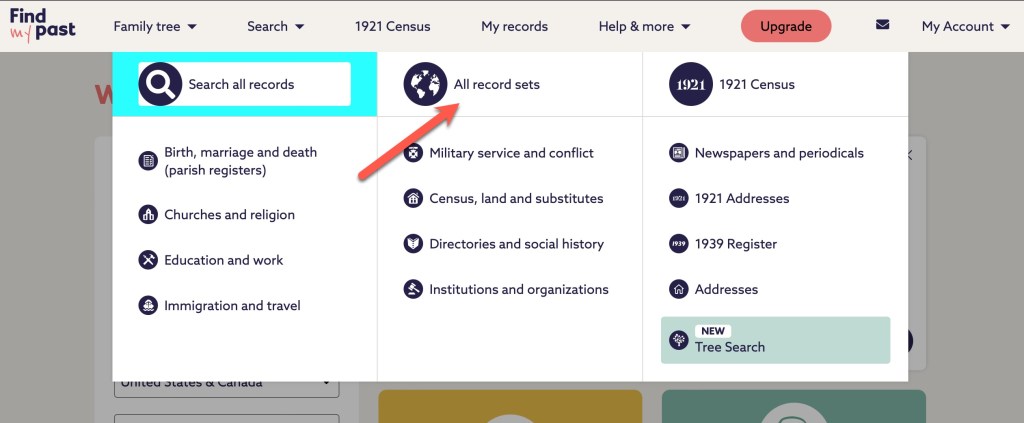
When you click on “All record sets,” you will find a page similar to what we’ve seen before.
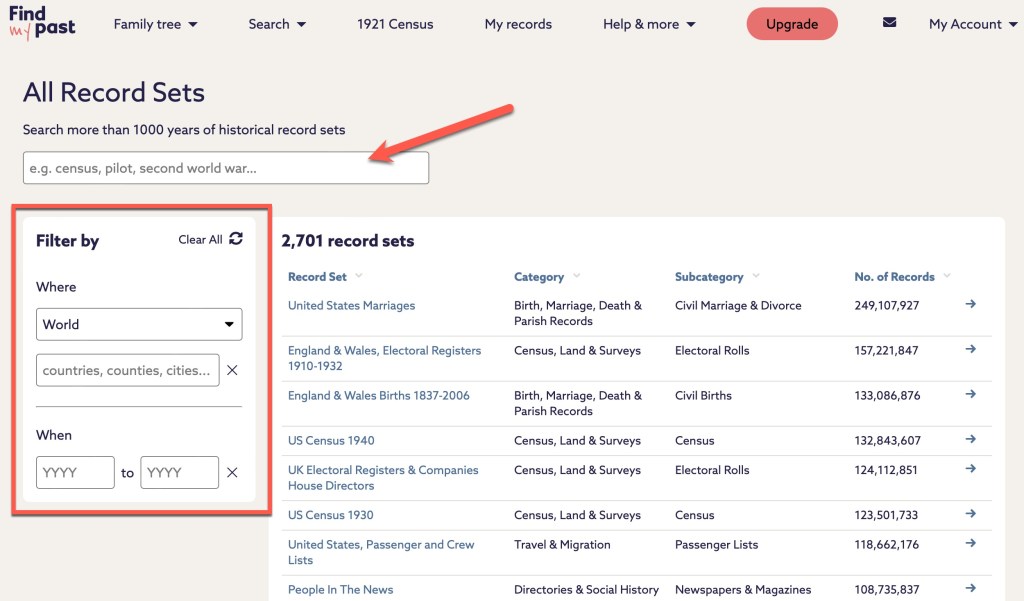
At the top, there is a search box. Along the left, there are some filters you can use to narrow down your results. Let’s take a look at an example from my research. My Sly line came from Wiltshire, England to the U.S. in the 1840s. Let’s narrow down the catalog at Findmypast to see how many record sets they have that might help me learn more about births for my Sly ancestors.
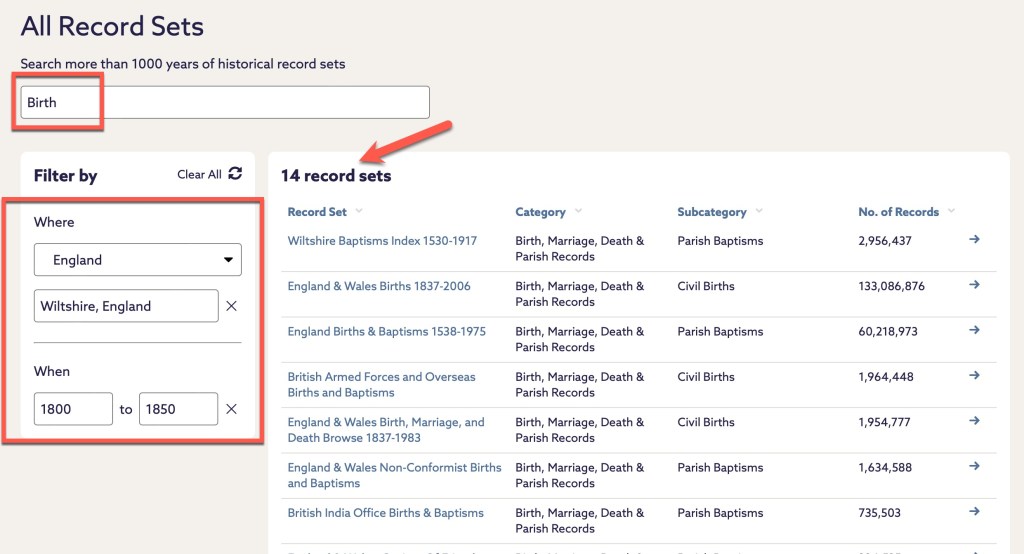
In my search example above, there are 14 records sets that I can examine that might help me learn more about my Slys from Wiltshire. At Findmypast, the number of results changes as you type. There’s no waiting to hit “search” to see how many results you might have to wade through. When I search by the surname Sly, and first names of Susanna and William for the parents, there are 7 results.

It doesn’t matter what a site calls it, there is going to be a way to look at the various collections in a site rather than just searching from the main screen.
Starting with the catalog will be a more targeted approach for your searches. By being deliberate with your searching, you can be assured you are looking at the right collections for your exact question. This is especially true for larger websites with many collections and databases such as Ancestry and FamilySearch. And if you are working with more common names, searching the large websites from the front page may not bring the results you really want to the top of the results list. You’ll have to dig, and filter, and narrow, and widen. I’m not saying you can’t do that, but you should also do more pointed, deliberate searches in specific collections, databases, and record sets.
We could go through just about any genealogical website and demonstrate the same things. Get very focused with your research and utilize catalogs to find the collection that makes the most sense to your research.
We will start a new topic next week. Until then, happy searching.


 Genealogy Pants